

Introducing:
When Black Friday and Cyber Monday (BFCM) season hits, competition skyrockets — and every click, add-to-cart, and purchase matters more than ever. But here’s the catch: If your Facebook or TikTok tracking isn’t accurate, you’ll lose those conversions in your reports.
A broken pixel, a missing event, or a misconfigured Conversion API could cost you thousands in wasted ad spend and lost data. That’s why preparing your ad tracking setup early is the smartest move any Shopify merchant can make.
In this article, we’ll walk you through a 5-step checklist of crucial things to verify before launching your BFCM campaigns — ensuring your Facebook/Meta and TikTok ad tracking is accurate, reliable, and fully optimized to capture every conversion this holiday season.
1. Make Sure Your Pixels Are Firing on Every Key Page
Before launching your BFCM campaigns, the first thing to check is whether your ad tracking pixels are firing correctly on all essential pages. This step is crucial because if your pixels aren’t capturing events like page views, add-to-cart, or purchases, your ad platform won’t have accurate data to optimize your campaigns — meaning you could be wasting ad spend during the busiest shopping period of the year.
Make sure your Facebook Pixel and TikTok Pixel fire on all key pages, including:
- Home page
- Product pages
- Cart page
- Checkout page
- Thank You / confirmation page

To verify, use the testing tools provided by each platform. Look for duplicate events (which can artificially inflate your results) and missing events (which can prevent proper optimization and tracking of sales). Test each page carefully to record every important user action correctly.
2. Ensure Your Conversion API (CAPI) Is Running Smoothly
Conversion API (CAPI) is a critical tool for maintaining accurate ad tracking, especially as more users block cookies or use devices with strict privacy settings like iOS. Without CAPI, your app might miss reporting key events like purchases or add-to-cart actions, creating data gaps and affecting ad optimization.
Before launching your BFCM campaigns, verify that your CAPI is sending the same events as your pixels. This includes checking that:
- All important user actions (e.g., ViewContent, AddToCart, Purchase) are being tracked.
- There are no duplicate events being sent, which could inflate reported conversions.

Testing CAPI ahead of time ensures that your ad platforms receive a complete and accurate dataset, which is essential for automated campaign optimization and maximizing your return on ad spend during the high-traffic BFCM period.
3. Verify Your Key Event Mappings
For accurate ad tracking and effective ad optimization, it’s essential that all key events are properly mapped and transmit the correct information. The most important events to check include:
- ViewContent – when a customer views a product page
- AddToCart – when a product is added to the shopping cart
- InitiateCheckout – when a checkout process begins
- Purchase – when a transaction is completed

Additionally, verify that there are no duplicate events, which can artificially inflate performance metrics and give you misleading insights. Check your event mapping before BFCM to make sure all key customer actions are tracked accurately. This gives you reliable data for smarter decisions and better ad performance.
4. Test the Full Purchase Journey Before Going Live
Before launching your BFCM campaigns, it’s essential to walk through the entire purchase process on your own store. Start by adding a product to the cart, proceed to checkout, and complete a test purchase.
This step helps ensure that every user action is accurately captured through your conversion tracking setup, from page views to purchases. Pay close attention to whether each event fires only once, and verify that no events are missing or duplicated. Testing the full journey allows you to catch potential issues early, preventing inaccurate data collection during high-traffic periods and ensuring your ad tracking is fully reliable.

5. Monitor Your Events in Real-Time After Launching
After your ads go live, monitor your events in real time to make sure every action is being tracked accurately through your ad tracking app. Pay attention to key metrics such as:
- Purchase value
- Add-to-cart ratio
- Event match quality
Compare these metrics with your Shopify analytics to spot any discrepancies. If you notice significant gaps or missing events, investigate immediately. For example, check your CAPI setup or pixel configuration.

Real-time monitoring helps you catch tracking issues early, so you can fix them quickly and avoid wasting unnecessary ad spend.
🎁 Bonus: Let Zotek Handle Your Tracking for BFCM
Tracking issues like missing events, duplicate events, or CAPI misconfigurations can be a real headache during high-traffic periods like BFCM. The good news is, you don’t have to handle it all manually.
The Zotek app automatically detects and resolves common tracking problems, ensuring that your Facebook Pixel, TikTok Pixel, and Conversion API are firing correctly and sending accurate data. From verifying key event mappings to monitoring real-time performance, Zotek helps you:
- Capture every important action on your Shopify store
- Prevent duplicate or missing events
- Maintain accurate purchase values and add-to-cart ratios
- Ensure your CAPI setup works seamlessly
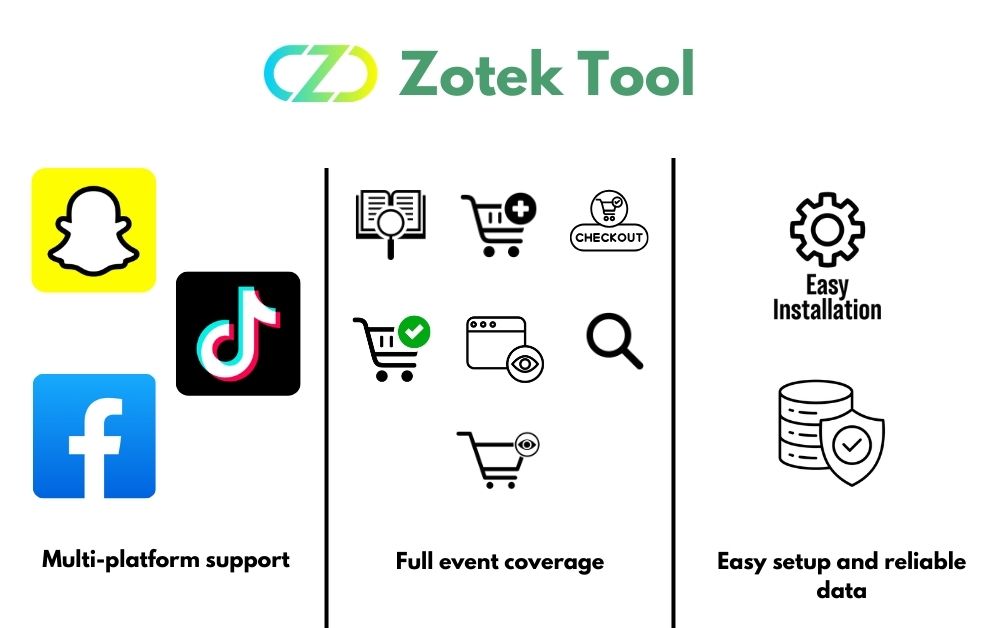
Zotek handles the technical tracking, so you can focus on scaling your campaigns and driving more sales with accurate, reliable data.
💡 Special BFCM Offer: To help merchants prepare for this year’s BFCM, Zotek is offering 30% OFF lifetime for All Paid Plans with the code ZOTEKBFCM30. Don’t miss this chance to simplify ad tracking and boost your ad performance this holiday season!
Final Thoughts
Accurate ad tracking is the backbone of successful BFCM campaigns. Spending time to ensure your pixels, CAPI, and event mappings are correct before launching can prevent wasted ad spend, missed conversions, and poor campaign optimization.
By following this 5-step checklist and leveraging tools like Zotek, you can ensure your conversion tracking is fully reliable, giving you confidence to focus on maximizing sales and scaling campaigns during the busiest shopping season of the year.